
Free KDP royalty tracker spreadsheet (download)
A free spreadsheet to track your Amazon KDP, Apple Books, and Google Play royalties, units, and KENP page reads — with built-in formulas. Download it, or let TrackingInk do it automatically.
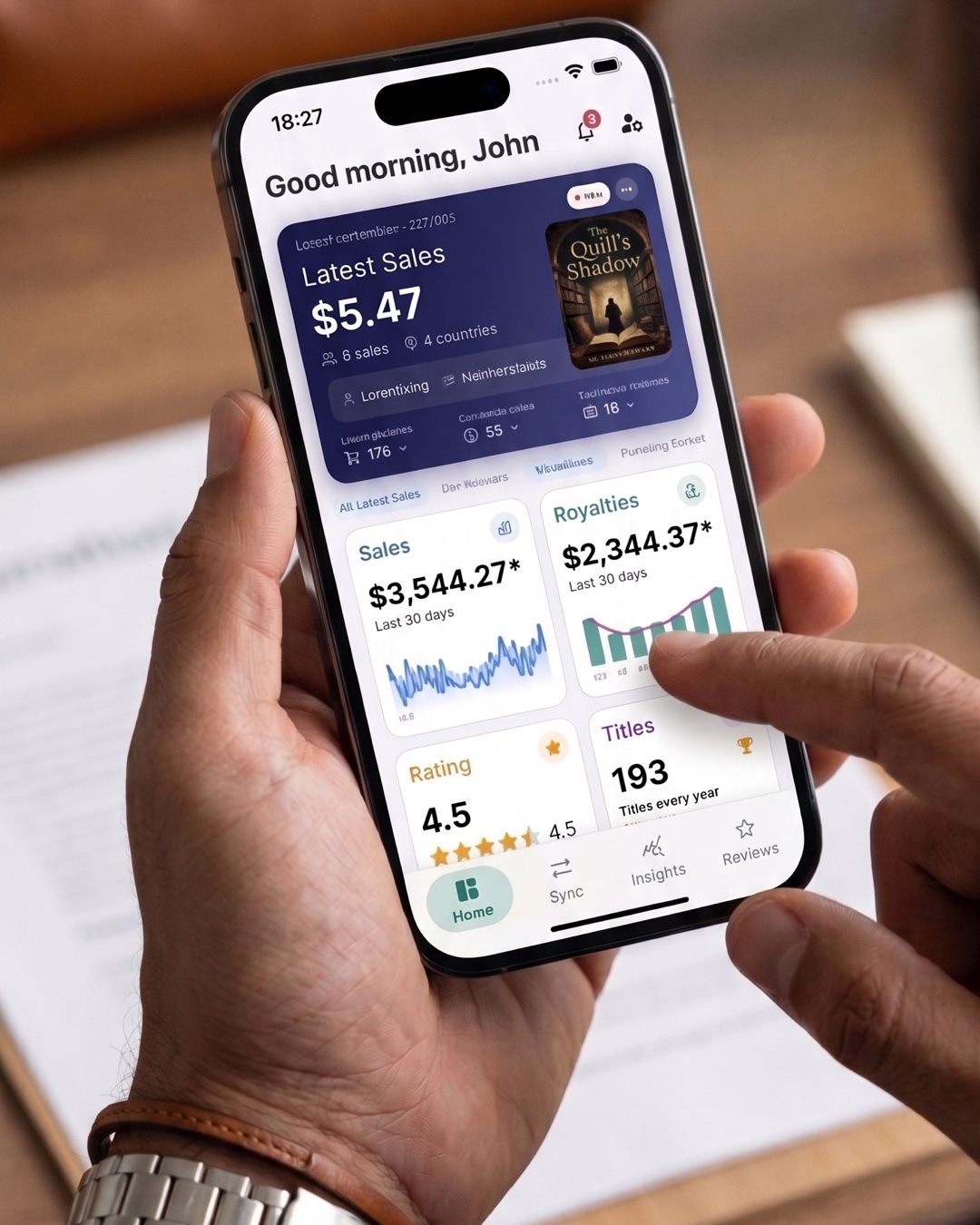
Want a simple way to start tracking your book income today? Here’s a free KDP royalty tracker spreadsheet you can download and use right now — no signup required.
Download the free spreadsheet
⬇ Download the Free KDP Royalty Tracker (.xlsx)
It works in Excel, Google Sheets, and Numbers. Inside you’ll find:
- A Monthly Tracker tab — log date, store, title, marketplace/country, units, KENP page reads, list price, and royalty rate.
- An auto-calculated estimated royalty column (formula built in).
- A Summary tab that totals units, page reads, and royalties across your whole catalog.
How to use it
- Add one row per sale or per daily total, per store.
- Fill in units, KENP pages, list price, and your royalty rate (e.g. 70).
- The spreadsheet estimates your royalty and rolls everything up on the Summary tab.
When the spreadsheet isn’t enough
A spreadsheet is a great start — but it’s manual. You still have to open Amazon KDP, Apple Books, and Google Play, copy the numbers, and keep it current every day. As your catalog grows, that gets old fast.
TrackingInk does all of this automatically: it connects to Amazon KDP, Apple Books, and Google Play and keeps your sales, royalties, KENP page reads, ratings, reviews, and country demand updated in real time — on your phone, with an AI Analyst that explains what’s moving. There’s a free plan.
Skip the spreadsheet — try TrackingInk free →
Frequently asked questions
Is the KDP royalty tracker spreadsheet really free? Yes — download it above, no signup needed. Use it in Excel, Google Sheets, or Numbers.
Does the spreadsheet calculate royalties automatically? It estimates royalties with a built-in formula (units × list price × royalty rate). For exact, automatic numbers across all three stores, use TrackingInk.
Can I track Apple Books and Google Play in the spreadsheet too? Yes — just set the Store column. To pull those numbers automatically instead of typing them, TrackingInk connects all three stores for you.